
'/%3e%3c/svg%3e)
'/%3e%3c/svg%3e)

A cleaner way to manage your
'/%3e%3c/svg%3e) tasks,
tasks,'/%3e%3c/svg%3e) meetings,and
meetings,and'/%3e%3c/svg%3e) notes.
notes.
A minimal productivity app built for fast capture, clear planning, and calm daily focus across Mac, iPhone, iPad, and Watch.
* Windows and Android Soon! *


Works with every tool already in your workflow.
Handled sits on top of the apps your day already runs through — nothing to replace, nothing to migrate.
One app, five jobs
Today
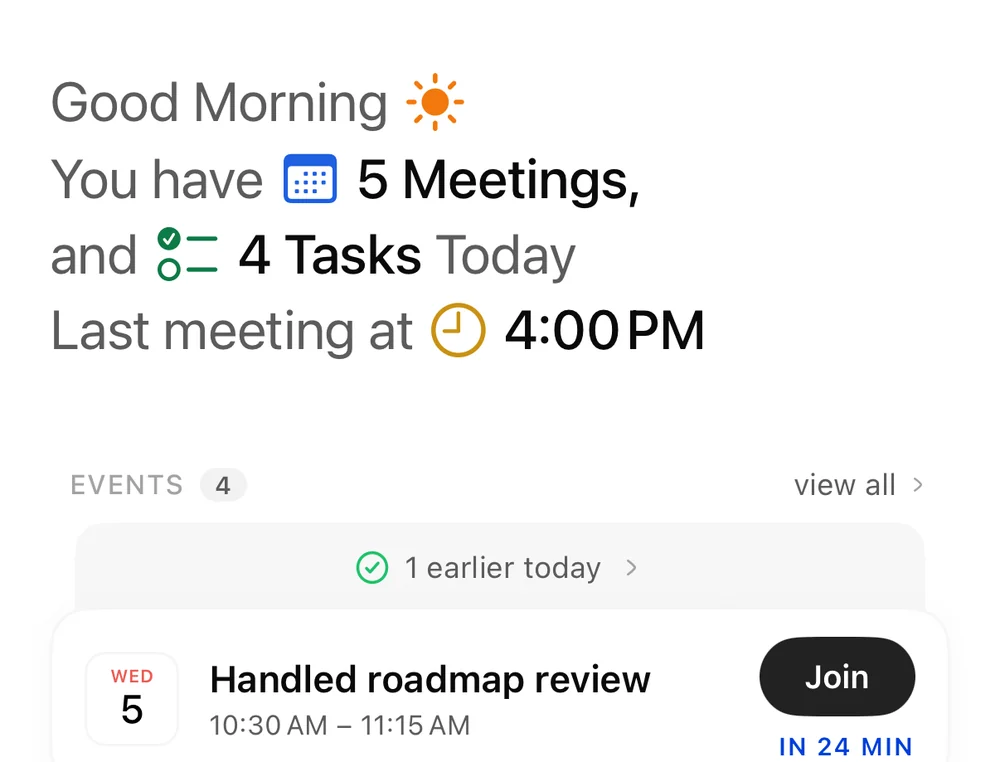
One screen for the whole day
Every morning opens with what matters: your meetings, your tasks, and the room left between them. Events and to-dos share a single timeline, so deciding what to do next takes seconds — not scrolling through three apps.
Tasks
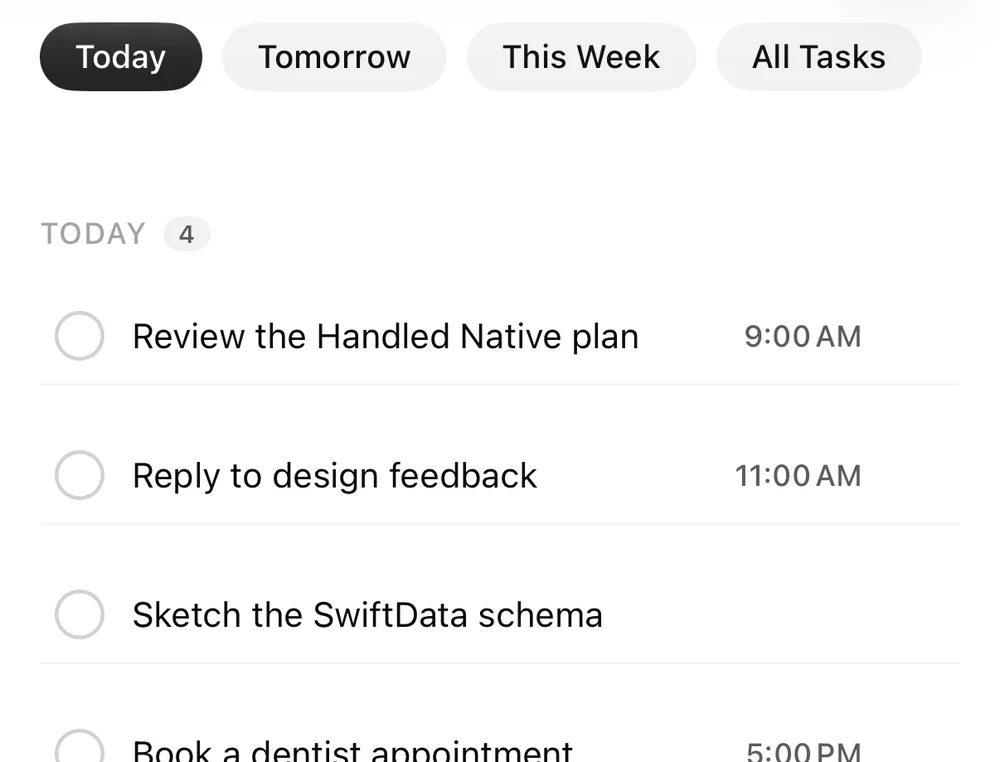
Every to-do, from every app
Capture from anywhere — a global hotkey, a voice note, or a message forwarded from Slack, WhatsApp, or Gmail. Break big items into subtasks, attach notes and due dates, and overdue items keep resurfacing until they’re truly done.
Calendar
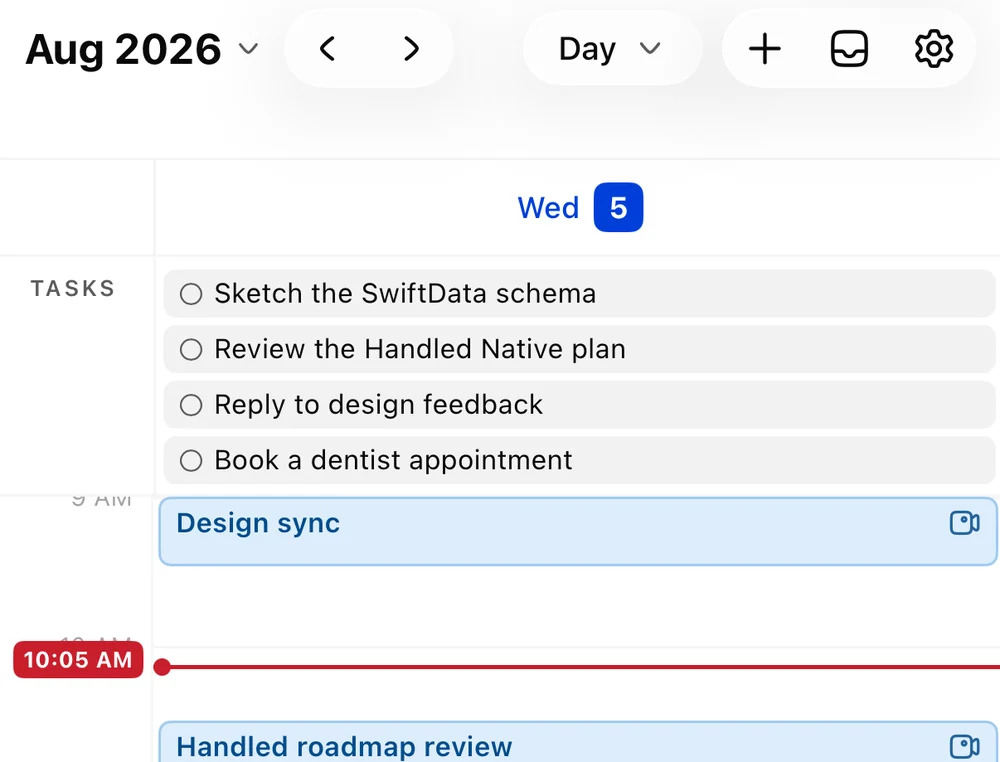
All your calendars, one week
Connect Google, Apple, and Outlook accounts and see them side by side in a single week view. Sync runs both ways — move an event in Handled and it moves everywhere else, drag a task onto the grid and it becomes time on your day.
Notes
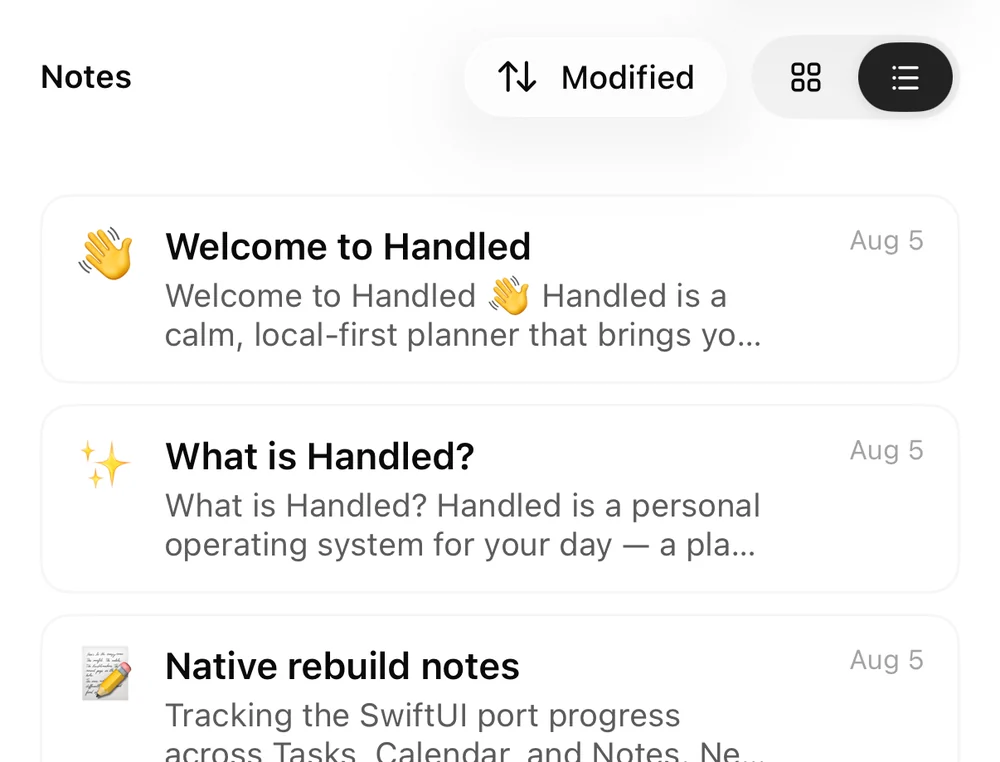
Notes that file themselves
Import everything from Apple Notes and Notion, link any note to the task or meeting it belongs to, and find it again by search instead of folders. Over MCP, assistants like Claude can read and write your notes — with your permission.
Meetings
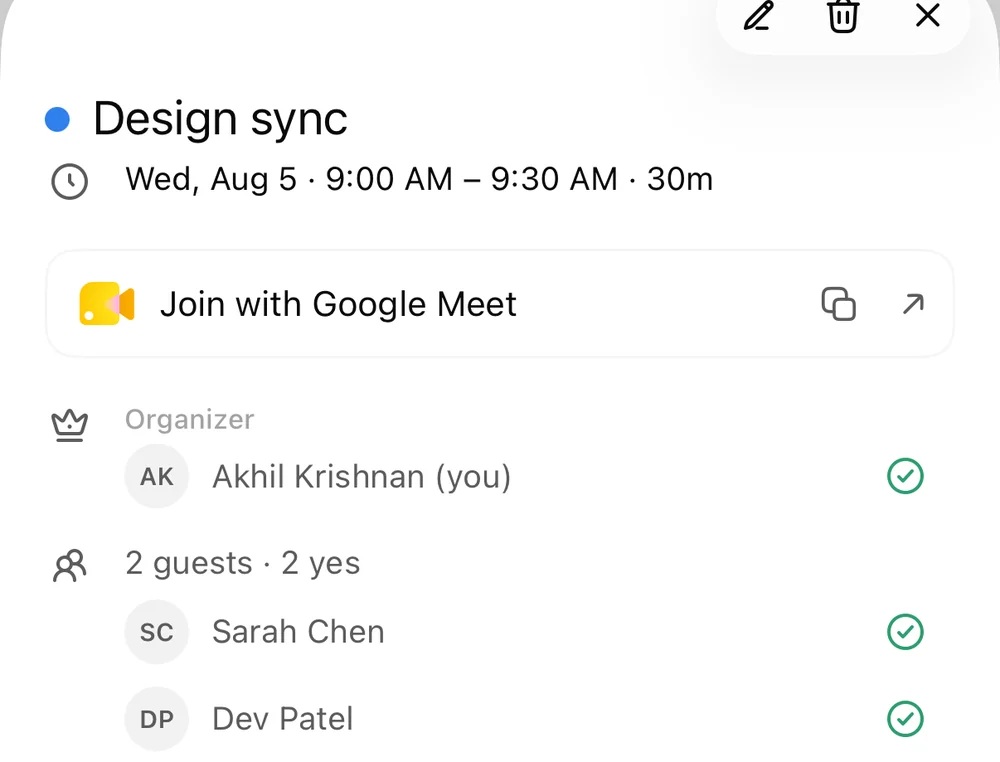
From meeting to action items
Bring in transcripts from Zoom, Granola, and your other meeting tools. Handled turns them into structured notes — the decisions, the owners, the follow-ups — and files every action item as a task with a date, so nothing dies in the recording.
A day you can hold in one hand.
Wherever you look,
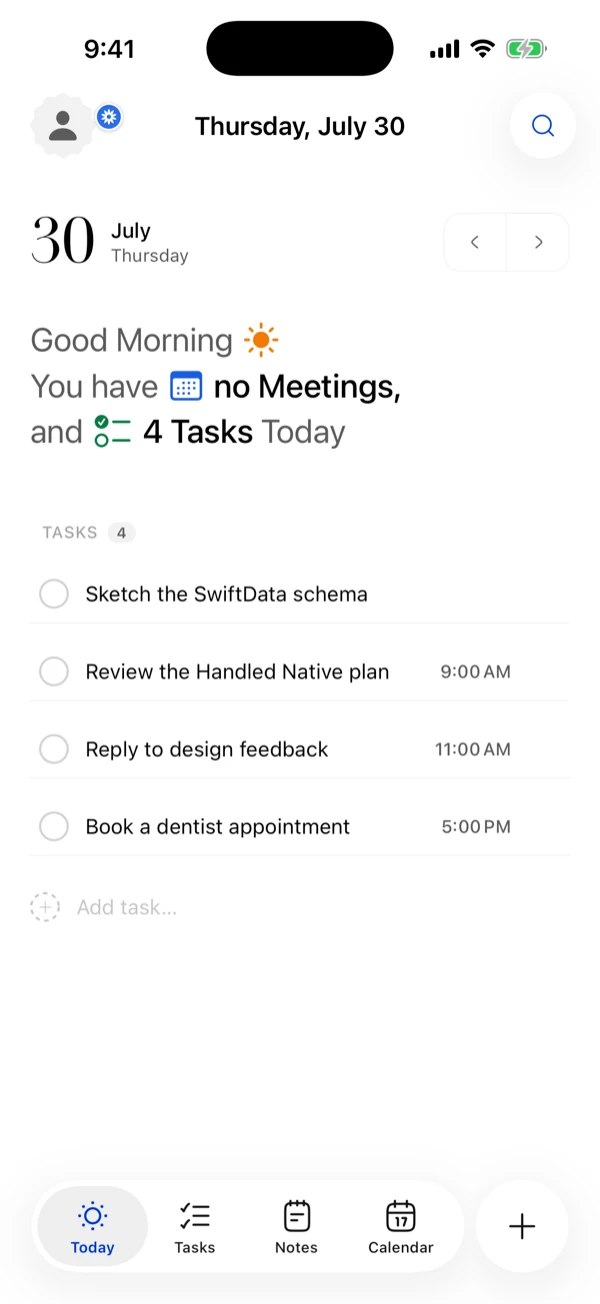
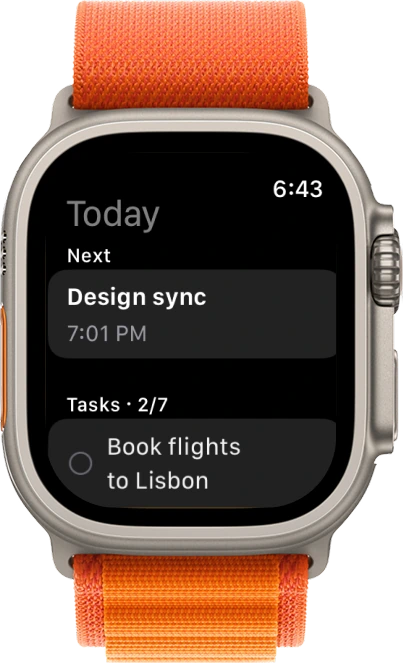
Tasks, meetings, and notes stop living in five different apps. Handled folds them into one quiet screen that always knows what’s next — and how much room the day really has.
Everything syncs both ways with the tools you already use, so the one place is always the true place.
the same day, everywhere.
Questions, answered.
Everything else lives in the help center.
Yes. Handled is local-first — your tasks, events, and notes live on your device by default. See our Privacy Policy for details.
No. The app works fully offline with no account. Signing in is optional and only enables backup and sync across your devices.
When you sign in, your data is securely backed up to your private cloud workspace and kept in sync across every device where you’re signed in. Offline changes sync automatically when you reconnect.
Go to Settings → Connections → Google Calendar and connect your account. You can connect more than one Google account and disconnect any of them at any time from the same screen.
Handled can capture a meeting, transcribe it, and turn the decisions and action items into notes and tasks. Transcription runs on your device wherever possible; anything cloud-backed is only processed to produce your transcript.
Open Settings → Notifications. You can enable or disable reminders, choose how far in advance to be reminded, and toggle the sound.
You can delete your account and all synced data from Settings inside the app. You can also email support@myhandled.app to request full deletion, or remove individual items in the app at any time.